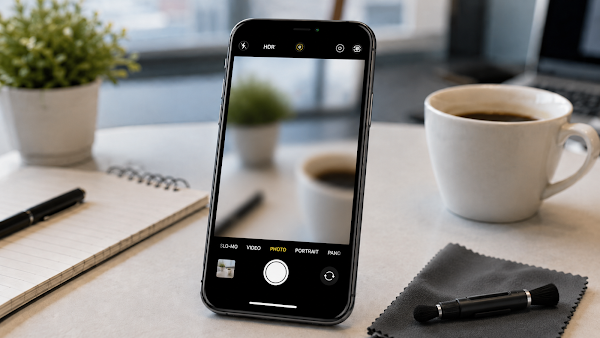
iPhone Camera Blurry or Not Focusing? Easy Checks Before Repair
Updated: May 2026
A blurry iPhone camera does not always mean the camera is broken. Dust, fingerprints, a case, low light, camera movement, or software issues can cause photos to look unclear.
Quick Summary
- Clean the front and back lenses with a microfiber cloth.
- Remove cases or lens accessories that may interfere.
- Restart the iPhone.
- Update iOS if available.
- Check if the issue happens in all camera modes.
First Camera Checks
- Clean the camera lens gently.
- Remove any camera cover, lens protector, or magnetic accessory.
- Try better lighting.
- Tap the screen to focus.
- Restart your iPhone.
- Update to the latest available iOS version.
- Test both front and back cameras.
Camera Issue Checklist
| Problem | Possible Cause |
|---|---|
| Blurry photos | Dirty lens, movement, low light, or accessory interference. |
| Camera app black screen | Software glitch or app issue. |
| Only front camera blurry | Front lens dirt or screen protector issue. |
| Only one mode fails | App or software setting issue. |
Before Repair
Clean the lens, remove accessories, restart, and update first. These simple steps solve many camera problems.
FAQ
Can a case make photos blurry?
Yes. Some cases or lens covers can block focus or reflect light.
Why are photos blurry in low light?
Low light can increase motion blur, especially if the phone moves.
Should I use a tissue to clean the lens?
A clean microfiber cloth is safer for the lens surface.
When should I get repair help?
If the lens is clean and the problem continues in all apps, service may be needed.
Final Thoughts
iPhone camera blur is often caused by simple issues, not hardware failure. Clean the lens, improve lighting, remove accessories, and update before repair.
Sources: Apple Support camera troubleshooting resources.